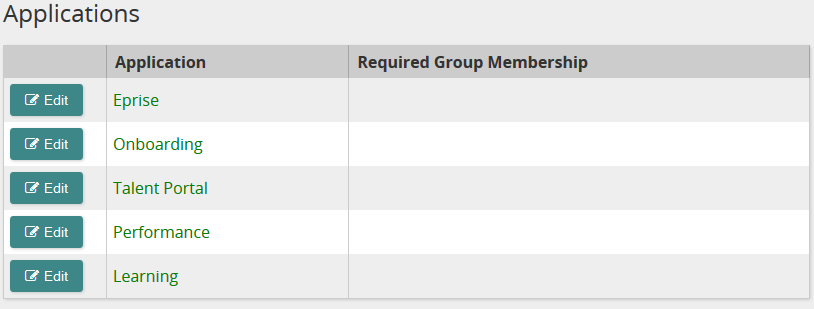
This page shows all the Life Suite modules that you have access to as well as Talent Apps. If you do not see all of your Life Suite modules listed, contact your SilkRoad Services or Support representative to have the module(s) added. Modules are either enabled or disabled.
You can easily identify enabled modules. They appear as green text. When a module is enabled, Life Suite Authentication recognizes it as supporting Single Sign-On, Life Suite Login, or Global GetSession. Life Suite modules are always enabled and display as green text. For Talent Apps, you can determine when to enable or disable them for SSO.
Note: Enabled does not necessarily mean the module itself is ready for Single Sign-On, Life Suite Login, or Global GetSession. Additional configuration might be necessary in the module.
Modules that are not enabled appear in red text.
Life Suite modules are enabled and maintained by SilkRoad staff. Typical tasks you perform may include adding/enabling Talent Apps and restricting access to a module using group claims/membership.
Buttons, links, and options

Click to set (restrict) access to a module by group claims/membership.

Click to display the Add Applications page so you can add and enable a Talent App for SSO.
Note: If there are no Talent Apps to add, this button is not shown.


 Applications page opens.
 Print page