

|
|
|


FAQ: What are a few ways to use SilkRoad Learning?
There are many ways to use SilkRoad Learning. Not everyone uses every aspect of the application to its fullest extent. Below are examples of how many clients commonly use SilkRoad Learning features.
- Qualifications (Mandatory pushed training)
- Used to ensure compliance for company policies and procedures. (such as sexual harassment, international trade and shipping regulations, privacy policies, manager training, new hire onboarding and training)
- Used in the medical field to ensure regulatory licensing is current and up to date (example: nursing)
- Used in government organizations for a collection of both items above
 Training Catalog (elective training)
- Making training available to improve skill-set and technical knowledge
- Learn Microsoft Office applications, Excel, Word, PowerPoint
- Notifications
- This is one of the more heavily used pieces of SilkRoad Learningthat runs with very little need to manage once it has been setup
- The delivery of notifications to invite users to in-class training and update their Outlook calendars
- Remind users of pending certification and re-certification due dates
- Reporting
- Running reports is another essential and heavily used aspect of SilkRoad Learning
- The array and number of System Reports that are available by default
- Running reports is something completed on a daily basis for most if not all of SilkRoad Learning clients
- eCom
- Used to sell and provide training externally
- Learning Centers.
- The ability to set up separate Student Portals to target a specific audience. Use separate branding terms, colors, and logos.
- Useful for training external contractors and also used with eCom
- All the training is managed in the same admin portal and database, but you have the look and feel of a completely different training site
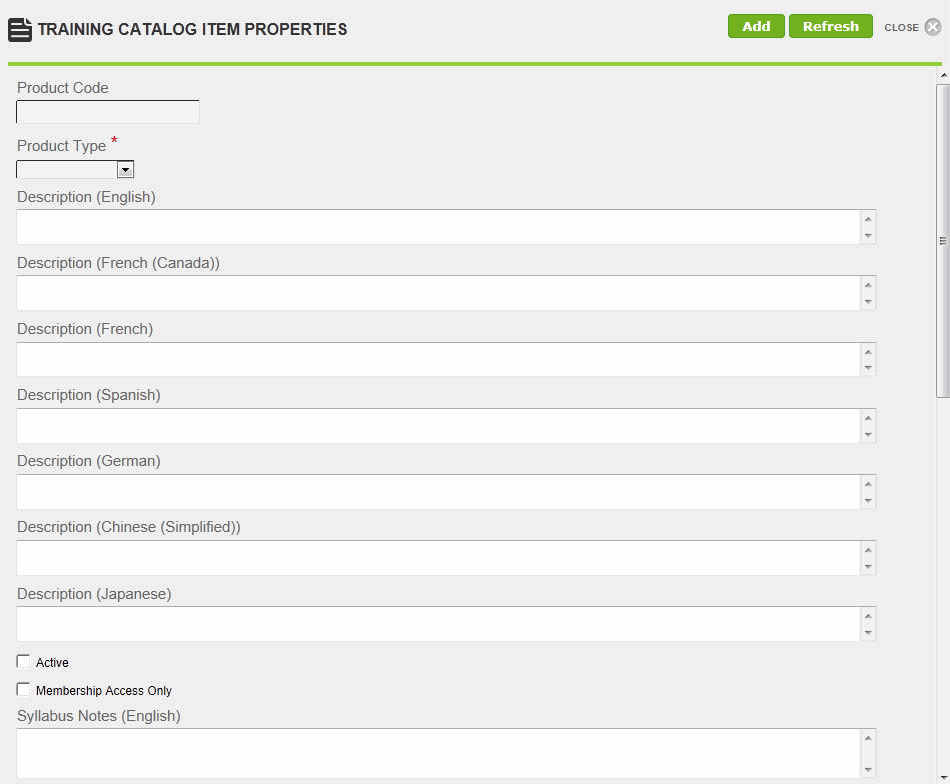
 to search for and select one.
| ©2021 SilkRoad Technology. All rights reserved. |
| Last modified on: 4/5/2021 12:33:10 PM |