|
|
|


Add Authentication Source page
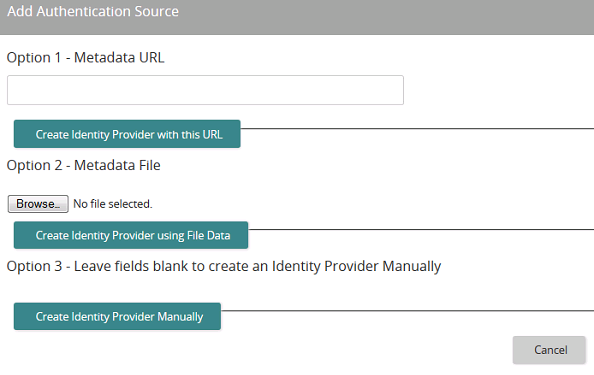
Use this page to add and define an IdP authentication source. You have three options:
- Create Identity Provider with this URL
- Create Identity Provider using File Data
- Create Identity Provider Manually
For details about each option, refer to Adding IdP authentication sources.
After you add an authentication source, you must enable it.
Fields, buttons, links and options
Option 1 - Metadata URL
If you have a public URL where your metadata file is stored, enter your URL here.

Click to save and create the IdP using the URL you entered.
Option 2 - Metadata File

If you do not have a public URL but do have a metadata file, click to browse and select it.

Click to create the IdP using the metadata file you selected.
Option 3 - Leave fields blank to create an Identity Provider Manually

Click to create the IdP manually.
In this section |
| Copyright © 2015 SilkRoad Technology. All rights reserved. | 
 Print page Print page |