|
|
|


Add an authentication source via a metadata URL
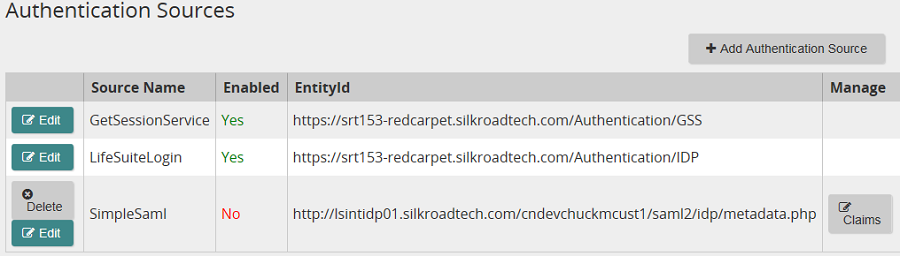
- From the navigation bar, click Authentication Sources.
The
 Authentication Sources page opens.
 - Click
 .
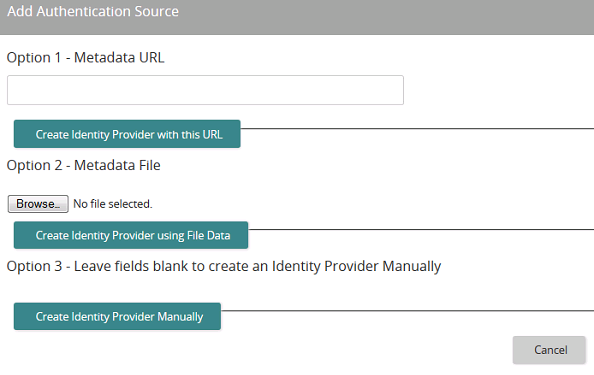
.The
Add Authentication Source page opens. - In the Option 1-Metadata URL box, enter your public URL that is used for Single Sign-On and Single Log-Out.
- Click
 .
.Note: When you add an authentication source, it is not automatically enabled. You must enable it.






| Copyright © 2015 SilkRoad Technology. All rights reserved. | 
 Print page Print page |